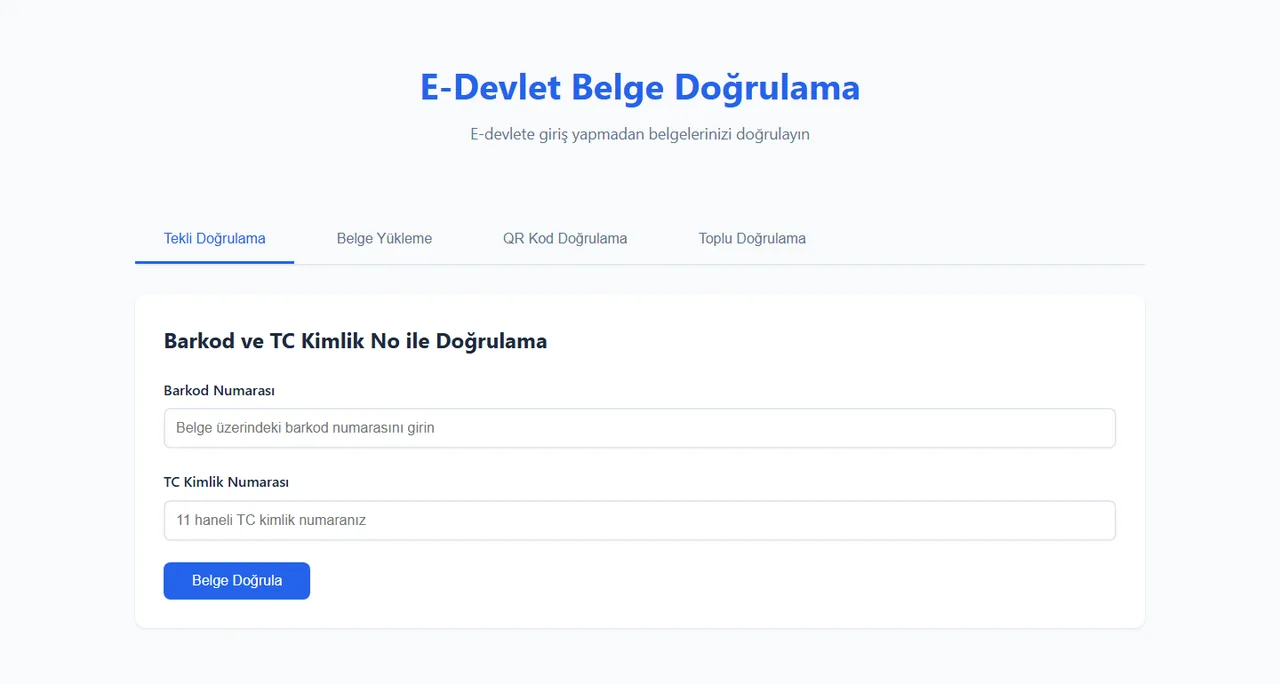
Verify by barcode and national ID
The barcode printed on the document plus the identity number is all it takes. You can verify even when you do not have the digital file — a printout in front of you is enough.

E-Devlet Belge Doğrulama lets you check whether a barcoded or QR-coded Turkish e-Government document is genuine, without signing in to e-Devlet. Type in the barcode and national identity number, upload the document as a PDF or an image, or scan its QR code — and download the verified result as a PDF. Up to fifty documents can be verified in one batch.
The barcode printed on the document plus the identity number is all it takes. You can verify even when you do not have the digital file — a printout in front of you is enough.
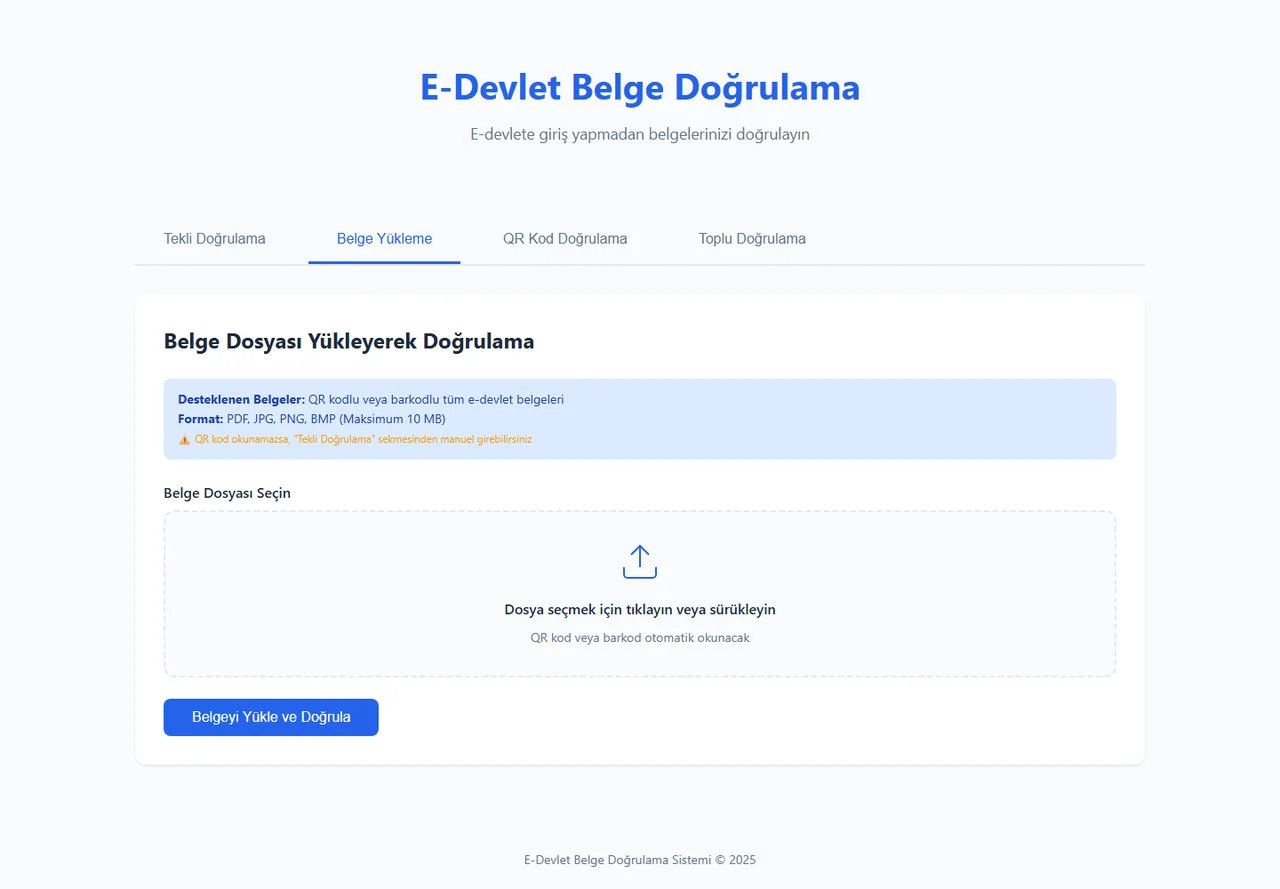
Drag in a PDF, JPG, PNG or BMP of up to 10 MB. Both the QR code and the CODE128 barcode on the document are read by image processing, so scans and photographs work too. If neither can be read, you can enter the details by hand instead.
The QR code carries both the barcode and the identity number, so there is nothing to fill in by hand.
With a stack of documents in hand, add them all to one list, verify them in a single pass and read the result document by document.
When a document checks out, its official PDF comes straight from the source: view it on screen, download it, and file it with the application or in your archive. Comparing it against the copy in your hand takes no second system.
You do not sign in to e-Devlet, and no password or mobile signature is involved.
No. Verifying a document does not require signing in to e-Devlet: the barcode and identity number, or the document itself, is enough.
Any e-Devlet document that carries a barcode number or a QR code.
Yes. On the single-verification screen, type in the barcode number and the national identity number.
Bulk verification handles up to fifty documents in one go.
PDF, JPG, PNG and BMP, up to 10 MB per file.
No. It is an independent tool built by Peaker Soft, with no connection to e-Devlet, TÜRKSAT or any public body. Verification works by querying the document's own official source.
QR-based restaurant ordering system
A secure transfer service for large files
An AI assistant for organisations
A Peaker Soft product
In a short call we listen, then tell you plainly which approaches fit your situation and which do not. We reply within 24 hours.