Instant sending, no account
No sign-up, no e-mail address, no phone number. Drop the file and get a shareable link straight away, for transfers up to 100 MB.

Peaker File is a file transfer service for sending the files that will not fit in an e-mail attachment. You can send up to 100 MB without an account, or up to 7 GB per transfer with a free one. Every transfer is virus-scanned on the server; you can put a password on the link, limit it to a single download, and have the files delete themselves when the period ends.
No sign-up, no e-mail address, no phone number. Drop the file and get a shareable link straight away, for transfers up to 100 MB.
A free account raises the limit to 7 GB per transfer, extends retention to 14 days and lets you e-mail the link straight to the recipients.
Uploads run over our own protocol, which splits each file into chunks. If the connection drops, re-select the same files: only the missing chunks are sent, so gigabytes are not re-uploaded from scratch.
Files are scanned on the server after upload and only become downloadable if they come back clean. Password-protected ZIP, RAR and 7z archives are refused, because their contents cannot be scanned.
Set a download password, limit the link to a single download, choose the retention period, and remove the transfer early with its own delete link.
Members keep files in folders, preview images, video and PDFs, download a whole folder as a ZIP, and create password-protected or expiring share links for any item.
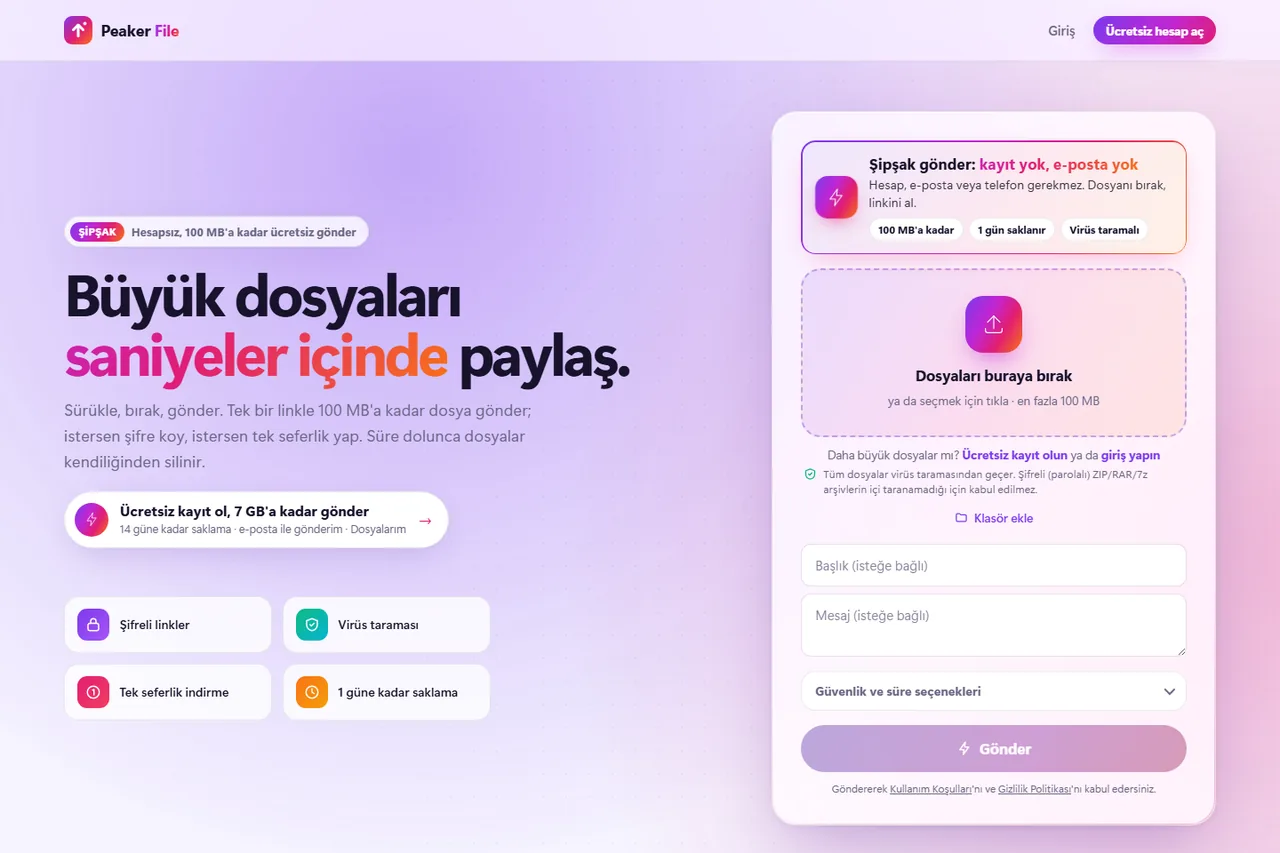
No. The quick-send mode gives you a link for files up to 100 MB without an account, an e-mail address or a phone number. Larger files, retention of up to 14 days and e-mailing recipients require a free account.
100 MB per transfer without an account, 7 GB with a free account.
Transfers sent without an account last one day; members can choose up to fourteen. When the period ends the files are deleted automatically, and you can remove them earlier with the delete link.
Yes. Put a download password on the transfer, or switch on the one-time download option so the link closes after it has been used once.
No. Because files go up in chunks, re-selecting the same files sends only the chunks that are missing. If the connection drops, the upload waits and resumes on its own when you are back online.
Yes. Every transfer is scanned on the server once the upload finishes; anything that does not come back clean is deleted and never becomes downloadable. Password-protected archives are refused because their contents cannot be scanned.
QR-based restaurant ordering system
A verification service for barcoded documents
An AI assistant for organisations
A Peaker Soft product
In a short call we listen, then tell you plainly which approaches fit your situation and which do not. We reply within 24 hours.